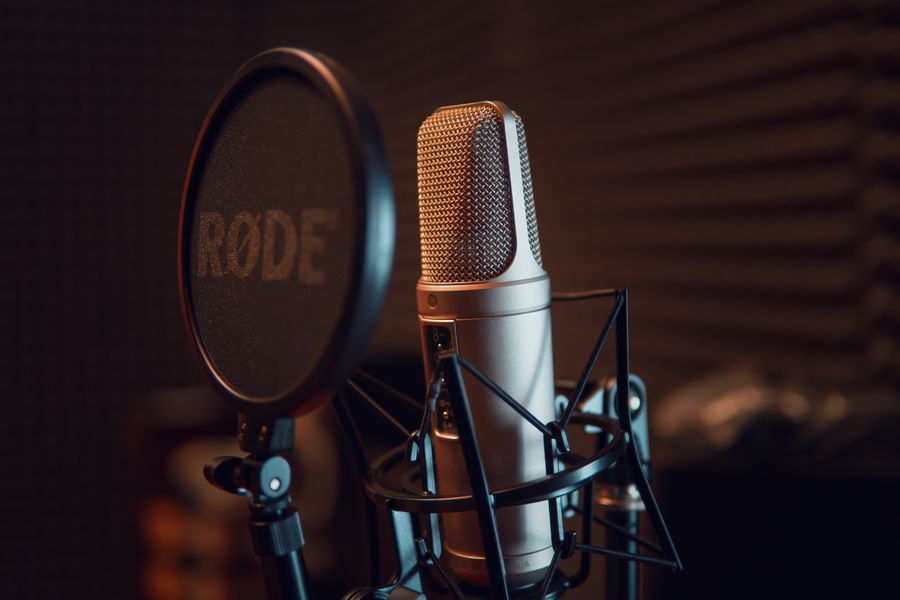
Live capture
Record live audio on mobile, or on web capture meeting tab audio, system audio (Zoom, Teams), or microphone fallback.
Live transcription
Whisper builds a running transcript in short segments; sessions auto-save to Library → Recorded while you work.
Six AI note types
Summary, bullet points, action items, meeting notes, study notes, and outline — generate all or pick what you need.
Rich written notes
Headings, lists, bold/italic, colors, highlights, block quotes, code, and resizable tables — plus AI notes from written content.
Import & transcribe
Upload MP3, M4A, WAV, plain text (.txt), or Word (.docx) to create transcripts without recording.
Searchable library
Recorded and Written sections with folders, subfolders, move/copy/rename, and full-text search with match highlighting.
Research mode
Select multiple notes and attachments, save research groups, and ask Claude questions grounded in combined sources.
Communicate
Interactive Q&A on a single note or session — with attachments in context and saved threads that persist with the note.
Reminders
Create tasks manually or tap AI action items to set reminders with date, time, location, priority, and checklists.
Attachments
PDFs, Office docs, images, audio, video, and more — up to 50 MB per file, synced to cloud when subscribed.
Export & reader tools
Find in note, text-to-speech, copy/share, and export transcript plus selected AI notes as Word (.docx) or text.
Flexible AI billing
Bring your own OpenAI and Anthropic keys, or buy Murvara AI credit packs — subscription covers sync, not AI usage.

 Live · Web & Android · iOS pending